
Check out MyPoints on Instagram for great giveaways, exciting new offers and fun polls!
To make the most of your Instagram experience, here’s a quick tutorial on how to vote when we do our bracket match-ups:
- You will need to use the Instagram app on your mobile device. Desktop Instagram extensions have limited functionality as the app is intended for mobile.
- Navigate to the MyPoints Instagram page.
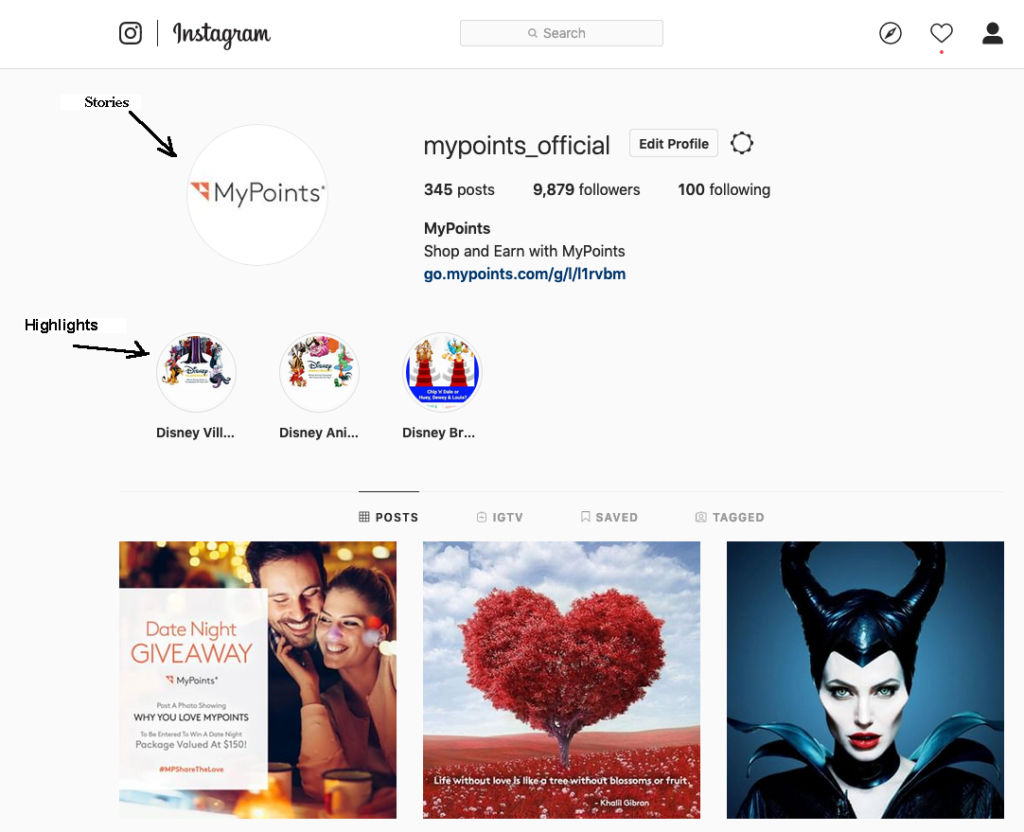
- Check out our latest story by clicking the MyPoints icon in the upper left or the specific highlights icon below the icon:
4. Once you’ve opened the story, you’ll see the match-ups:
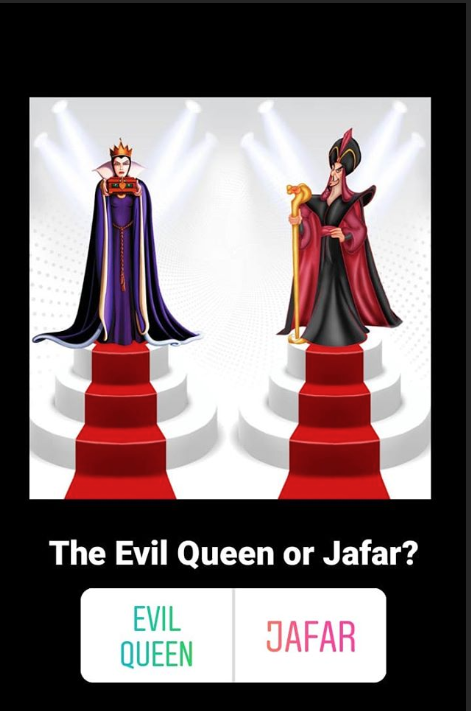
5. Just tap the side of the button that gets your vote by clicking on the name; for example above: left for Evil Queen and right for Jafar.
6. Once you’ve successfully voted, you’ll see confirmation with the current voting results:
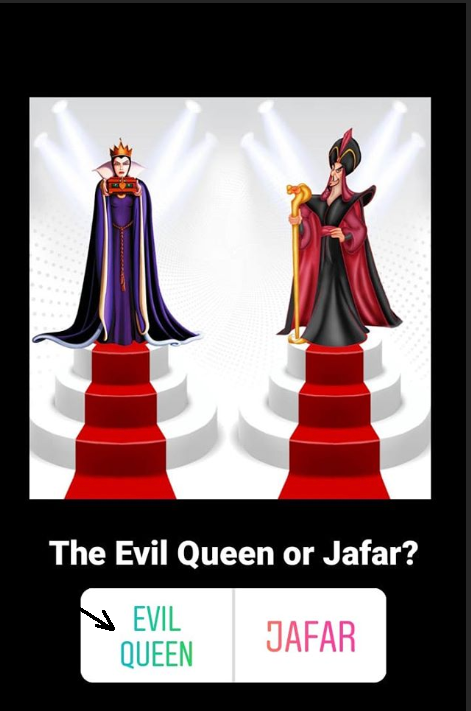
7. The story will scroll through each match-up allowing you to vote on each.
And that’s how you vote on an Instagram story!